

Introduction to Port Call Management
What Port Call Management is, who it is for and its main features.
Port Call Management (PCM) is MagicPort’s app for running port calls, from the first quote to the last payment. Your operations and finance teams work on the same record, so what was done, what was billed and what it cost always match.
Who uses it: shipping agencies that support vessels during port calls. They run all their port call operations, husbandry services and disbursement accounts in PCM.
Note: In PCM, your work is organised in jobs. A job is a unit of work you define: a port call, a project, a husbandry service or anything else.
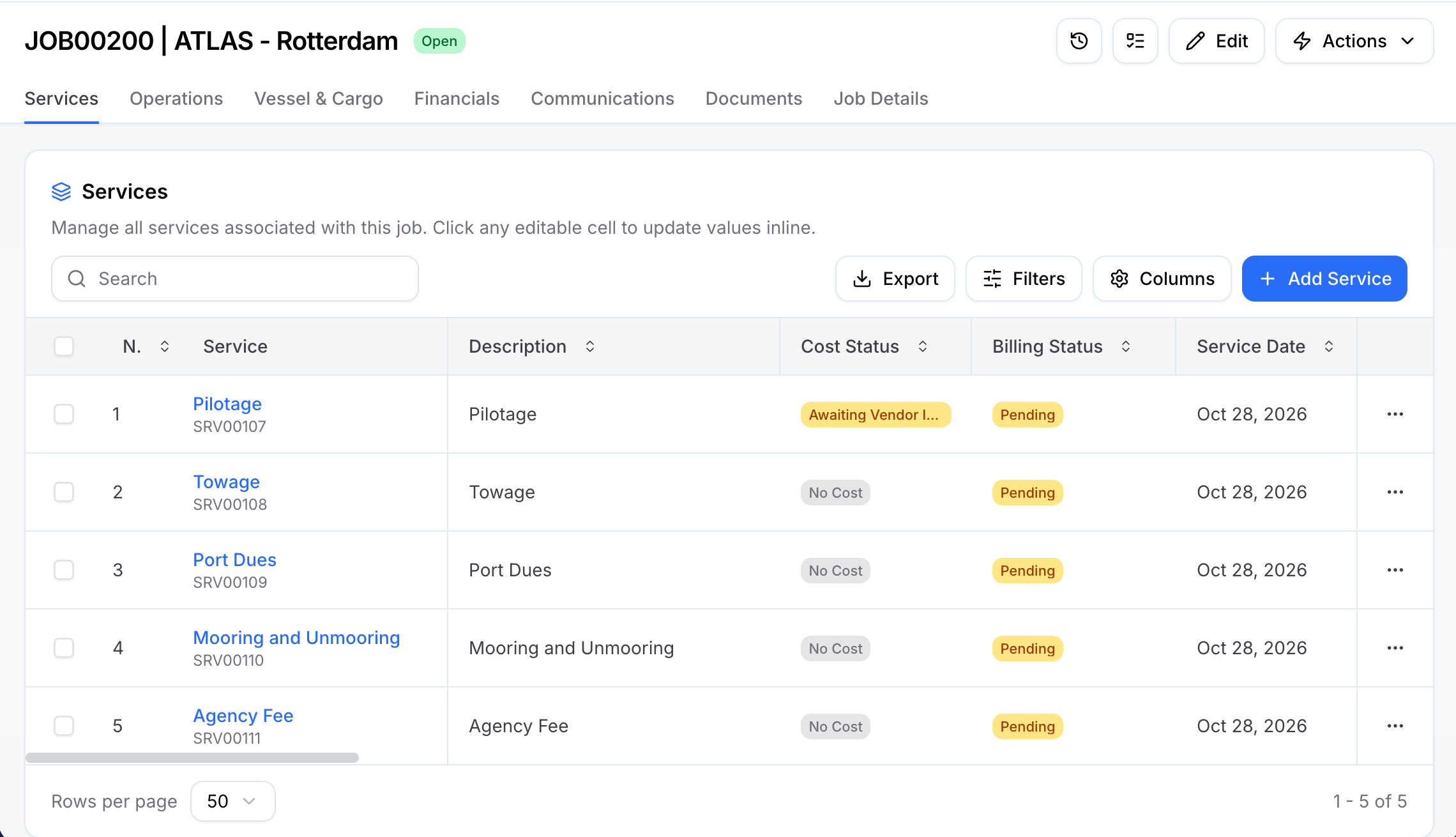
Organise your work in jobs
The vessel, the services you provide, the invoices and the documents all sit under one job.
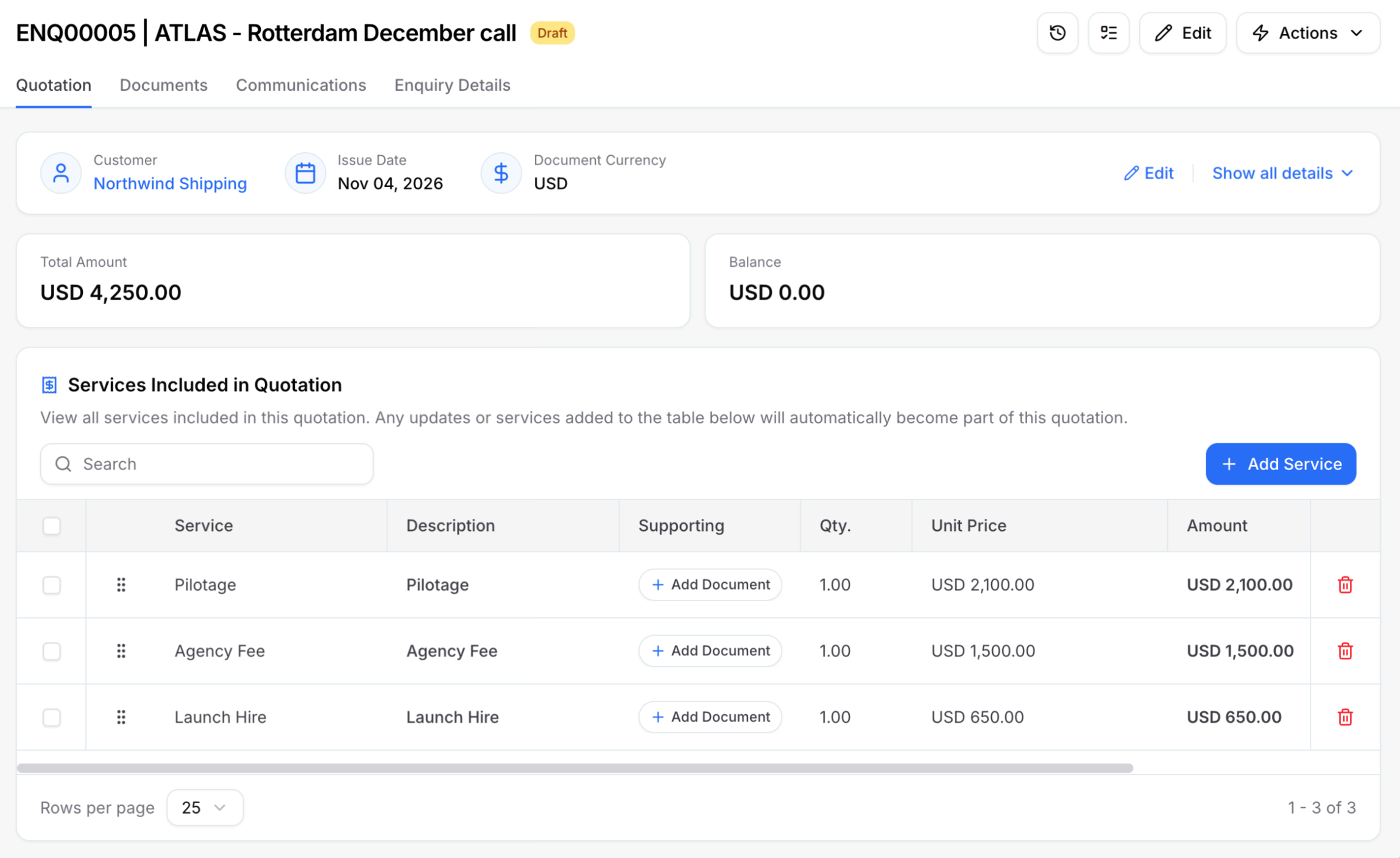
Send quotations
Send your principal a quotation before you are appointed. When the principal approves it, create the job from it: the quoted services come with it, and the quotation becomes the job’s Proforma Invoice.
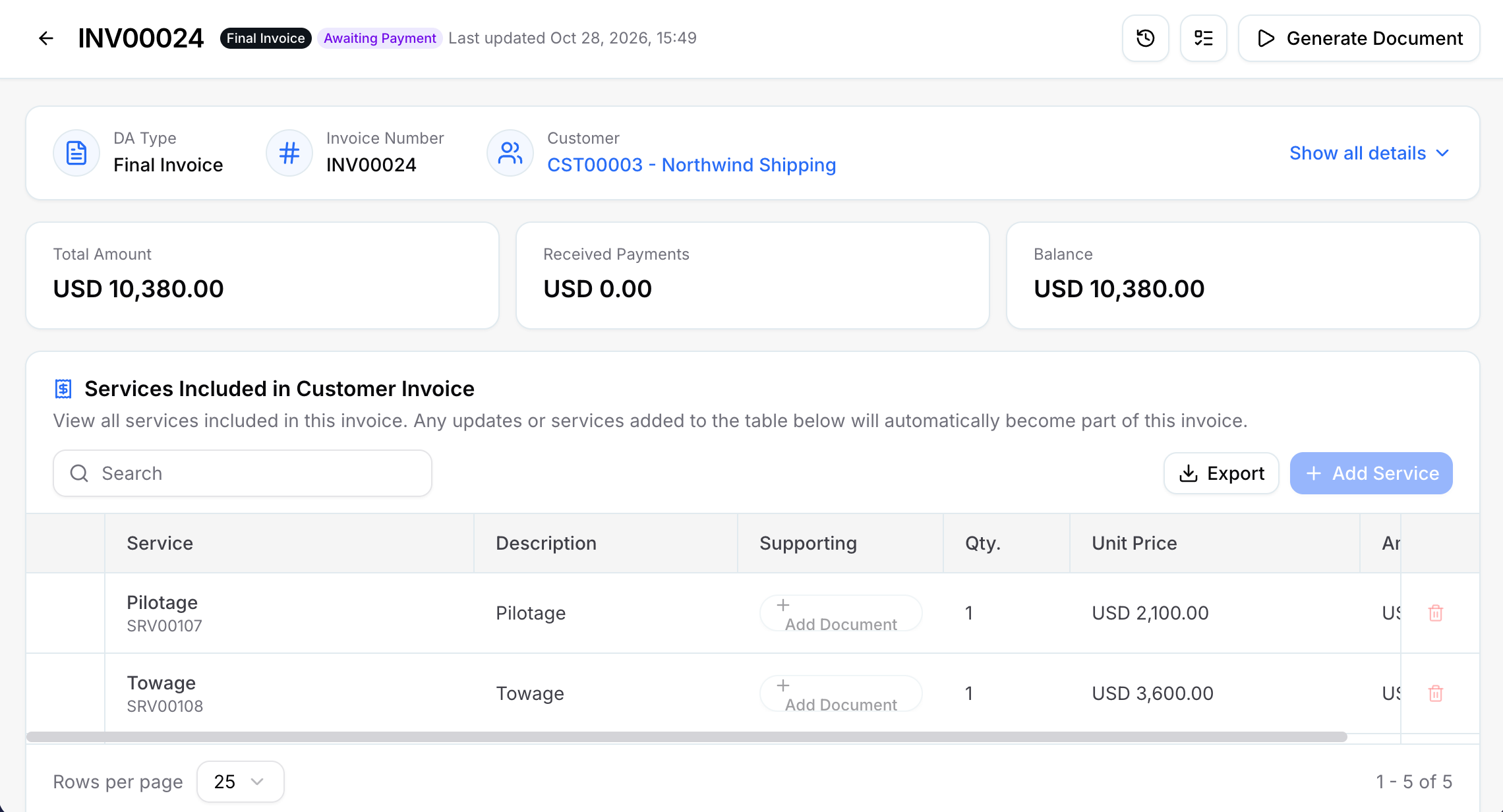
Bill your customers
Bill the work you did with a Final Invoice.
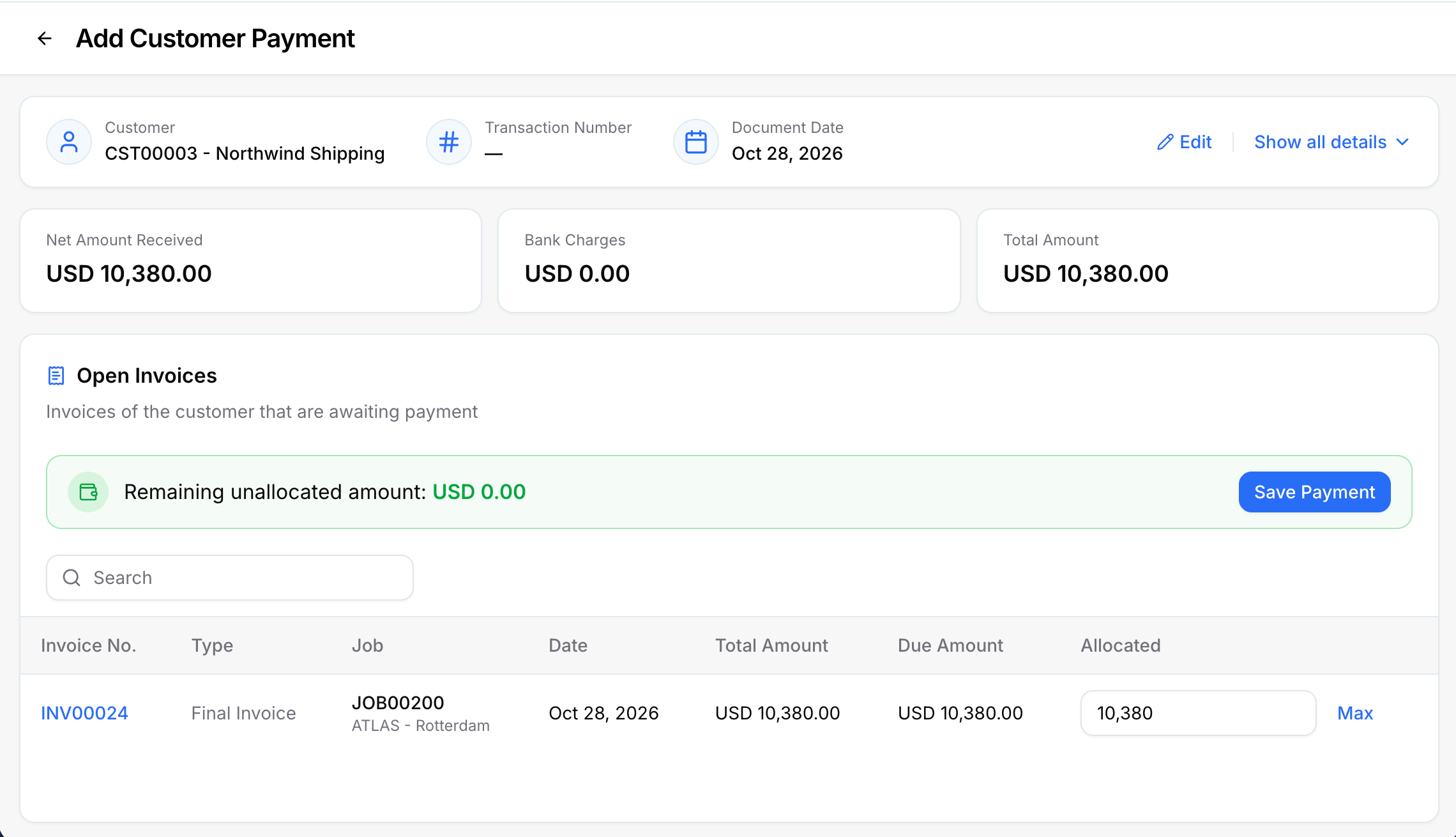
Know who has paid
Record each customer payment and allocate it to the invoices it pays.
Record your vendors’ invoices
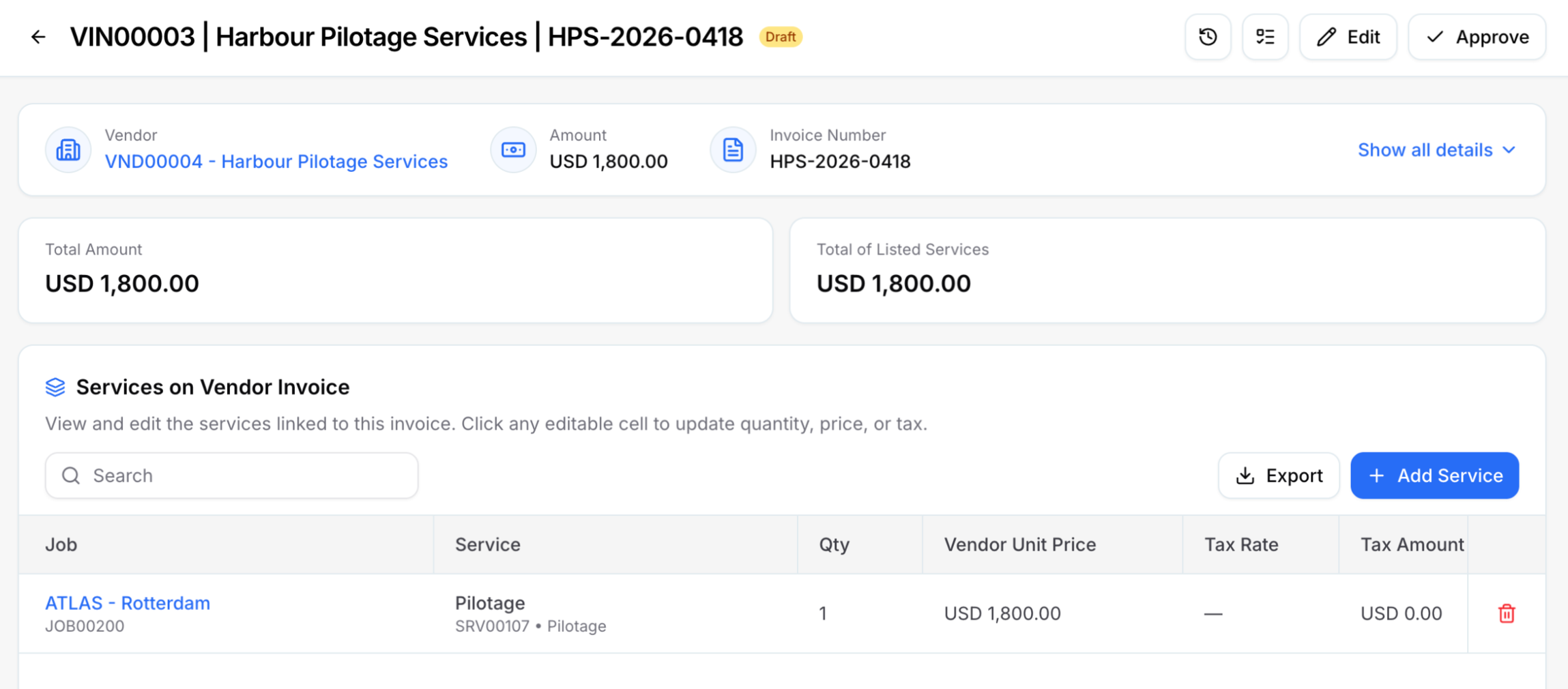
Enter what your vendors bill you against the job’s services, so every job shows its real cost.
Get started
Was this article helpful?
Thanks for your feedback.