

Find vessels near a port
Use Nearby Vessels to see every vessel currently within a chosen distance of one or more ports.
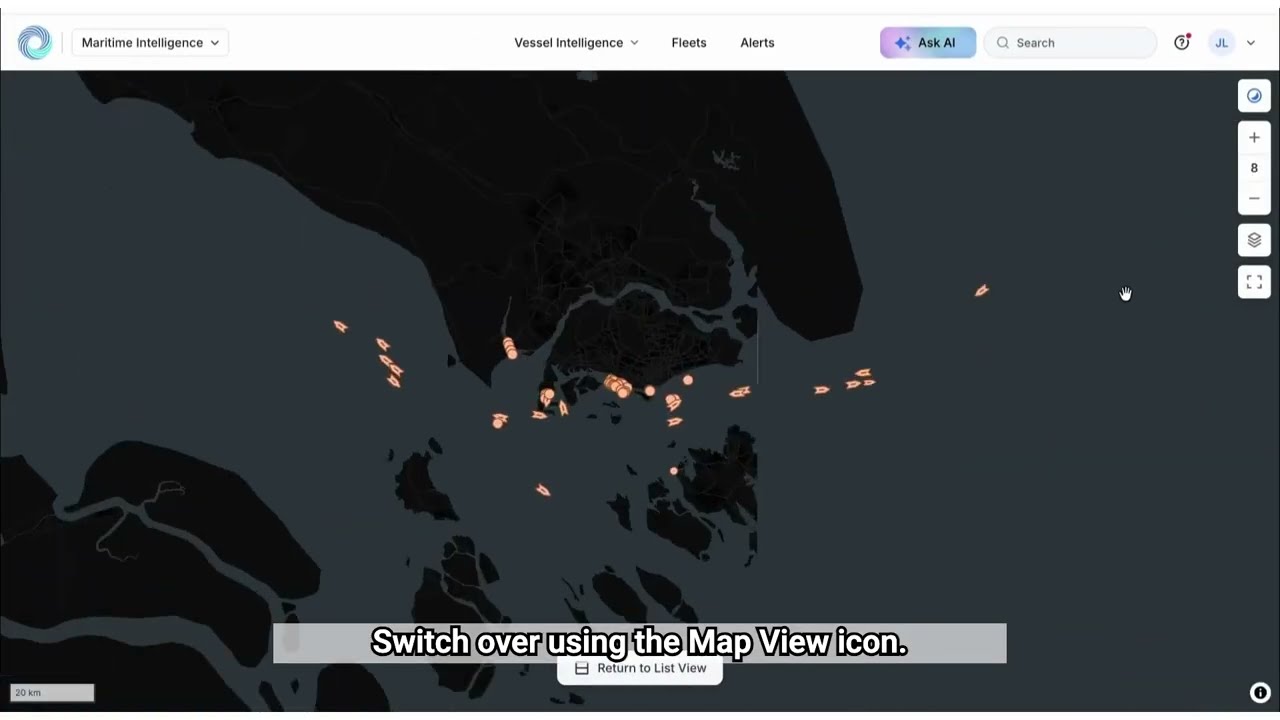 4 min walkthrough of Nearby Vessels
Nearby Vessels in Maritime Intelligence lists every vessel currently within a radius you set, in nautical miles, around one or more ports, based on the latest reported positions. Use it to see what is around a port right now, rather than only what is scheduled to arrive.
Open Nearby Vessels
Click Vessel Intelligence in the top navigation, then the Nearby Vessels tab.
Choose one or more ports
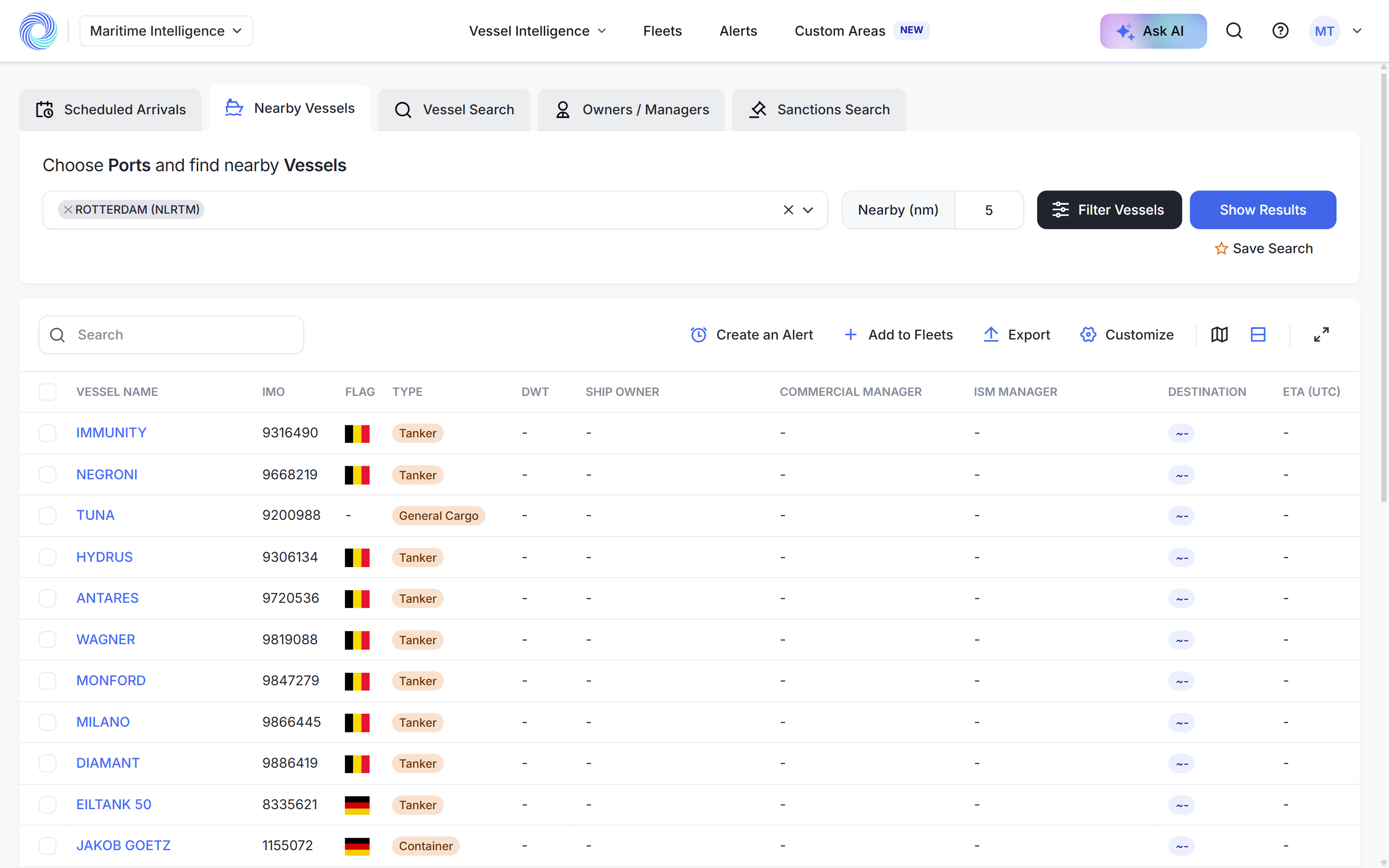
Click Search for port(s), type a port name and pick it from the list, for example ROTTERDAM (NLRTM). Add more ports if you want to cover a wider area.
Set the distance
In Nearby (nm), enter the radius around the port in nautical miles, for example 5. This field is required. If you leave it empty you see “The nm field is required.”

Click Show Results
Click Show Results. The table lists every vessel inside the radius. The count under the table tells you how many there are, for example “Showing 1 to 25 of 217 vessels”.
Narrow the list
Click Filter Vessels to restrict the results, for example to tankers only by clicking Select All under Tanker. Click Show Results in the panel to apply. See Narrow results with advanced filters.
Hide risky vessels
If you only want vessels without a sanctions risk, turn on Hide risky vessels above the table. See Vessel risk statuses.
Save, export or act on the results
- Click Save Search to keep this port and radius for later. See Save a search and run it again.
- Use Customize to choose columns, or select vessels and click Export. See Work with search results.
- Select vessels and click Create an Alert or Add to Fleets. See Create an alert and Create a fleet and add vessels.
Was this article helpful?
Thanks for your feedback.