

Find vessels near your port with Nearby Vessels
Nearby Vessels shows every vessel that is within a distance you set of one or more ports right now, based on live AIS positions, with its owner and managers alongside.
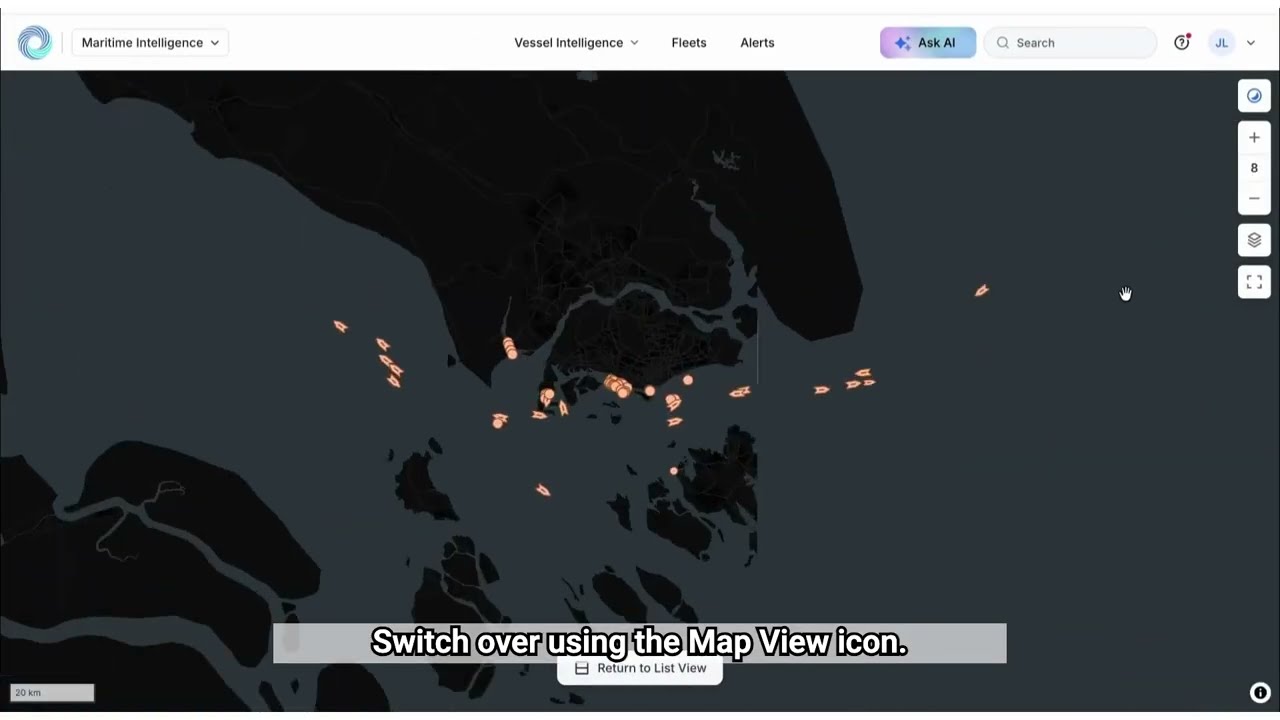 4 min walkthrough of Nearby Vessels
Nearby Vessels is for acting on what is already in the area. Where Scheduled Arrivals shows who is coming, Nearby Vessels shows who is here: at anchor, at berth or passing within your chosen radius.
Who uses Nearby Vessels
- Ship agents see which vessels are waiting at anchorage and who manages them.
- Marine suppliers find vessels that can take a delivery today.
- Port and terminal teams check how busy the approaches are.
How it works
| Setting | What it does | Example |
|---|---|---|
| Search for port(s) | The ports to check around. Type at least three letters and pick from the list | ROTTERDAM (NLRTM) |
| Nearby (nm) | The radius around each port in nautical miles. Required | 5 |
| Filter Vessels | Narrows the list by type, size, ownership, engine and more | Tankers only |

Click Show Results to list every vessel inside the radius. A larger radius covers outer anchorages but also picks up passing traffic.
What you can do with the results
The results table works the same way as Scheduled Arrivals:
- Filter Vessels to narrow the list; active filters appear as chips.
- Hide risky vessels to remove vessels flagged against sanctions lists.
- Map view to see where each vessel sits relative to the port, which is often the quickest way to tell anchored vessels from those alongside.
- Customize the columns, Export selected rows, Add to Fleets or Create an Alert.
- Save Search to keep the ports, radius and filters for next time.
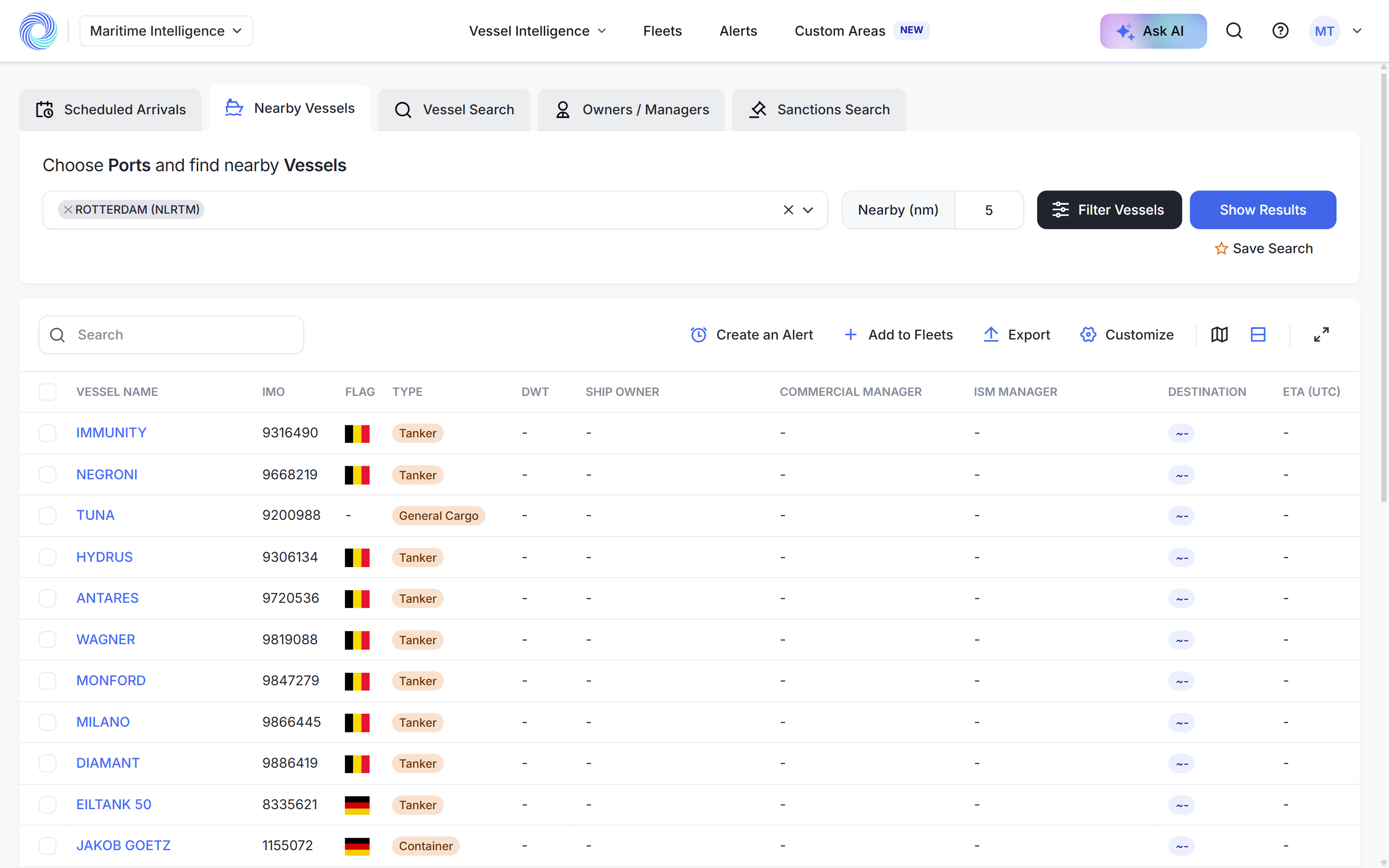
Click a vessel name to open its profile with ownership, contacts, port call history, navigation data and a first-pass sanctions check.
Nearby Vessels or Scheduled Arrivals?
| Nearby Vessels | Scheduled Arrivals | |
|---|---|---|
| Shows | Vessels physically around the port now | Vessels expected at the port |
| Based on | Latest AIS position | Reported ETA |
| Use it to | Act on what is already there | Prospect ahead |
See Track upcoming port calls with Scheduled Arrivals.
How-to guides
- Find vessels near a port
- Narrow results with advanced filters
- Work with search results
- Save a search and run it again
- Read a vessel profile
Frequently asked questions
How current are the positions? They are the latest AIS positions MagicPort has received. Each vessel profile shows when its position was last updated.
What radius should I use? Start small, around 5 nm, for the port itself. Increase it to take in outer anchorages.
Can I check several ports at once? Yes. Add more ports in Search for port(s); the radius applies to each of them.
Why does a vessel show no destination? Not every vessel reports one, especially small craft working inside the port.
Was this article helpful?
Thanks for your feedback.