

Update service statuses
Mark services ready to bill, or make them pending again.
Each service has a Billing Status (has the customer been billed?) and a Cost Status (has the vendor’s invoice arrived?). Most changes happen on their own when invoices are approved. The one you set yourself is ready to bill: only ready-to-bill services can go on a Final Invoice, which keeps unfinished work off the customer’s bill. For every status, see Services.
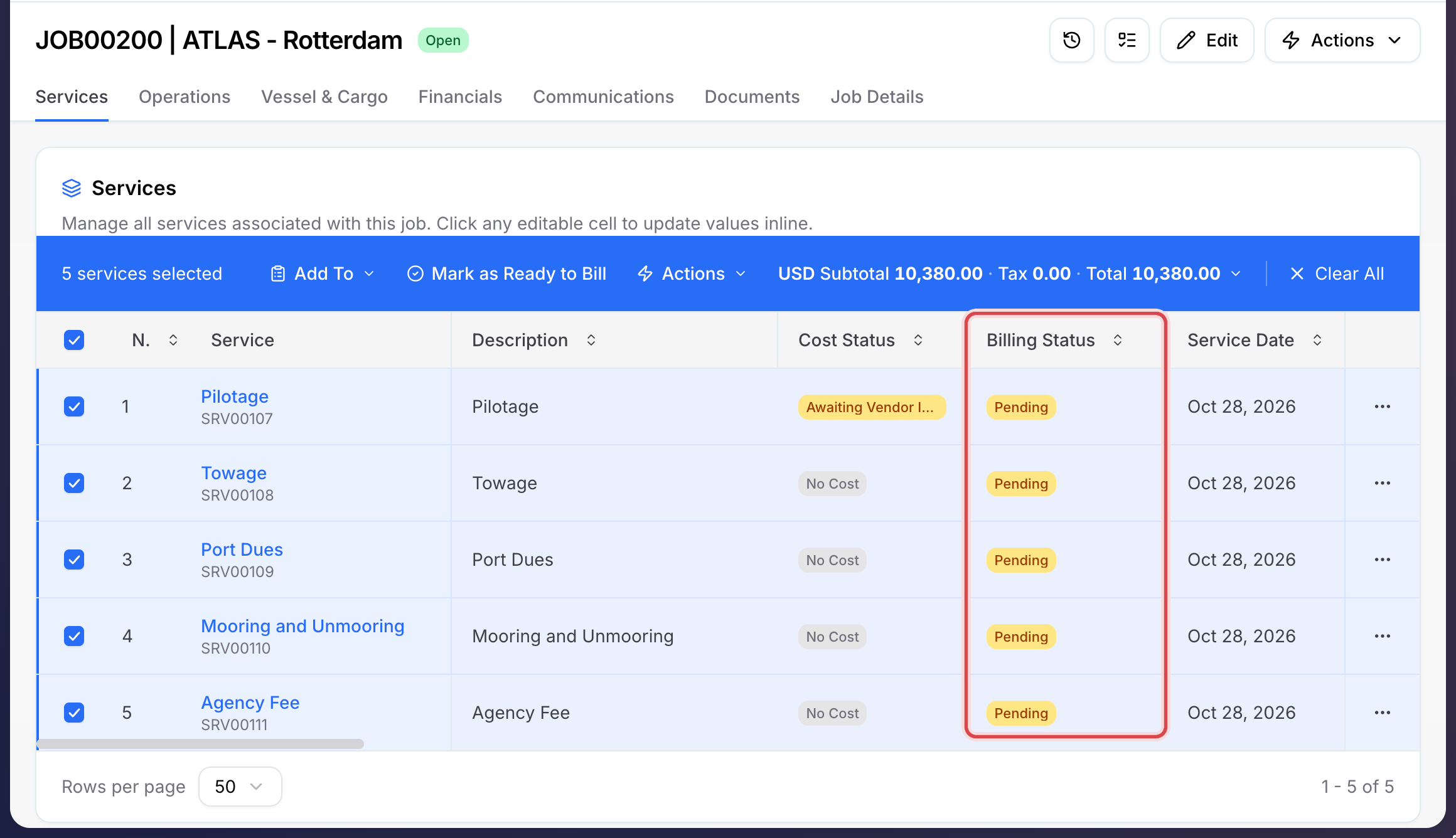
Select the finished services
On the job’s Services tab, tick the services that have been provided and whose price is final.
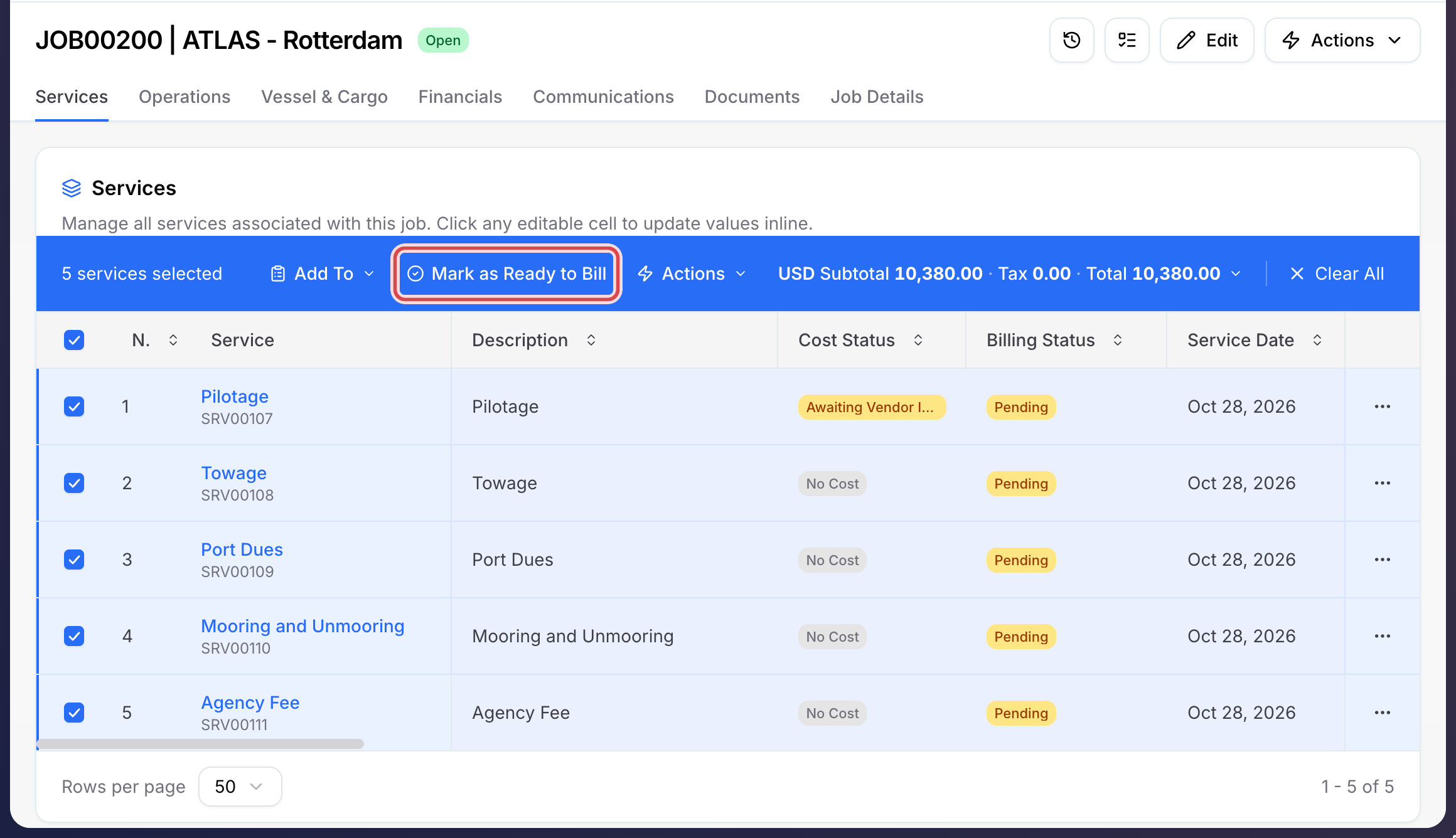
Mark them ready to bill
Click Mark as Ready to Bill in the bar above the list. For one service, you can also use Mark as Ready to Bill in its row menu.
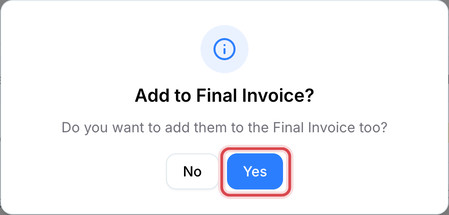
Add them to a Final Invoice
PCM asks Add to Final Invoice? Click Yes to put them on a Final Invoice now, or close the question to do it later. See Create and approve a Final Invoice.
Tip: Services, Ready to Bill in the left menu lists every ready-to-bill service in the branch; Services, Awaiting Vendor Invoice lists those still waiting for a vendor’s invoice.
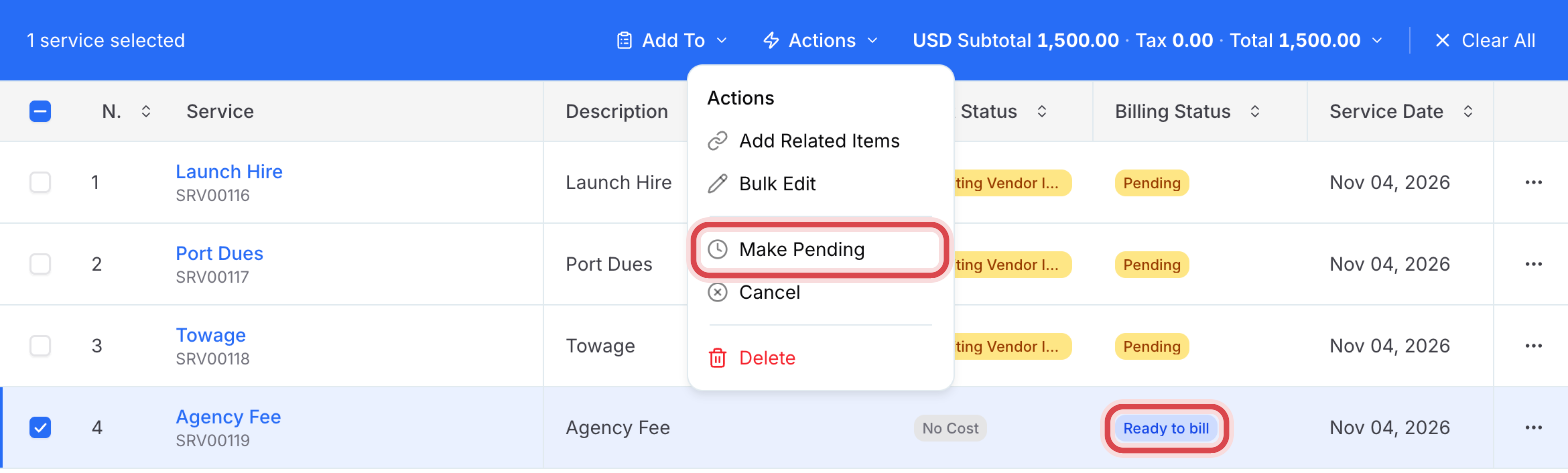
Make a service pending again
If a service is not finished after all, or its price needs to change, tick it, open Actions in the bar and click Make Pending, or use Make Pending in the row menu.
Note: A service that is already on a Final Invoice cannot go back to pending; take it off the Final Invoice first.
Was this article helpful?
Thanks for your feedback.