

Cancel or delete a service
Cancel a service that will not happen, or delete one added by mistake.
Cancel a service that will not be provided: it stays on the job for the record, with its customer price set to zero. Delete a service only when it was added by mistake: it is removed from the job.
Select the services
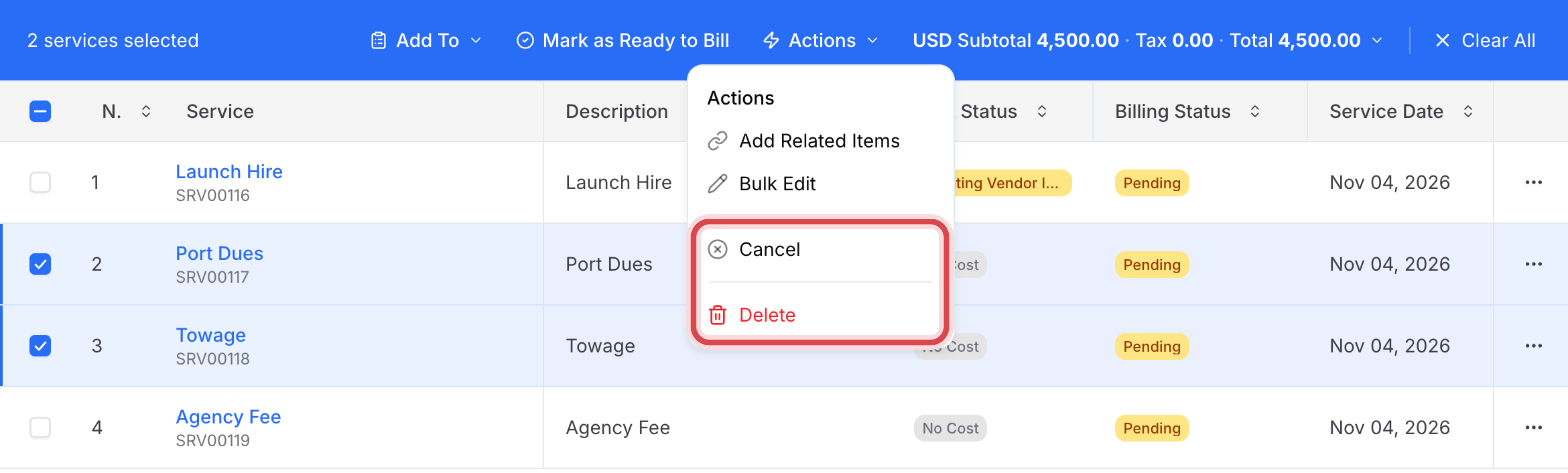
On the job’s Services tab, tick the services and open Actions in the bar. For one service, use its row menu.
Cancel them
Click Cancel and confirm. A cancelled service can no longer be changed or billed.
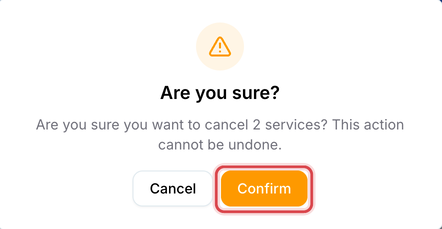
Note: Cancelling cannot be undone. If you cancel several services and one of them cannot be cancelled, none are, and PCM tells you which one is in the way.
Or delete them
Click Delete and confirm.
If PCM refuses
- Cancel is blocked when the job is not open, or the service is billed, cancelled, shared, on a vendor invoice, or on a Final Invoice, Credit Note or Rolling Proforma Invoice, even a draft. A Proforma Invoice does not block it.
- Delete is blocked when the service is billed, cancelled, shared, on a vendor invoice, or on any customer invoice, including a draft Proforma Invoice.
Remove the service from the document first, or cancel it instead of deleting it. See Services.
Was this article helpful?
Thanks for your feedback.