

Log in and open Maritime Intelligence
Sign in to MagicPort and open the Maritime Intelligence app from your dashboard.
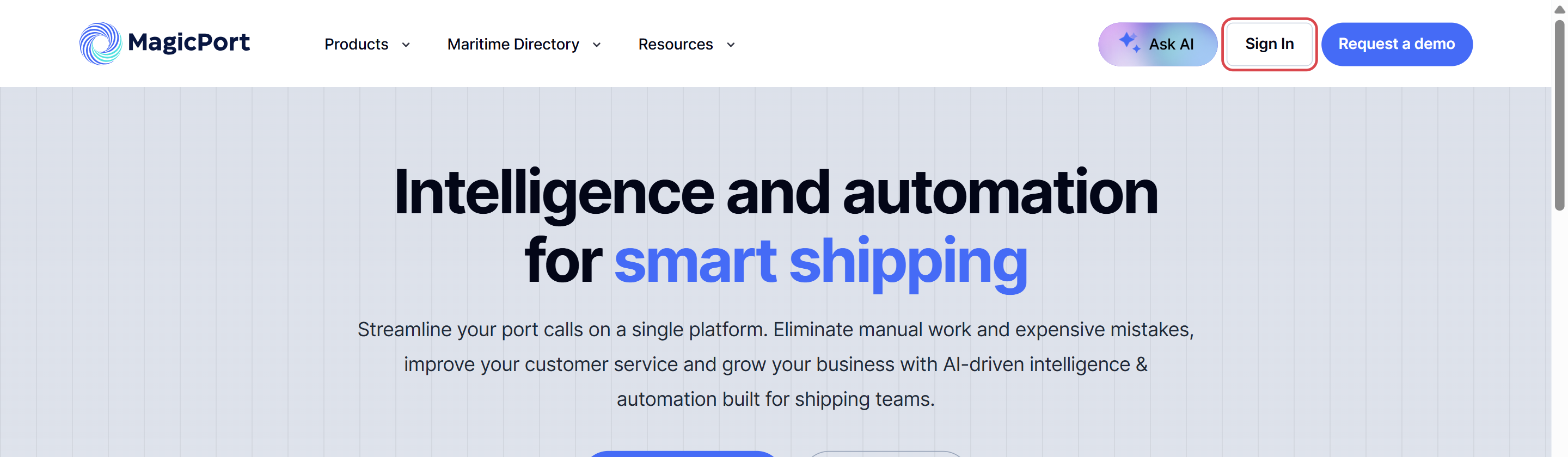
You need a MagicPort account with a Maritime Intelligence subscription. If you do not have one yet, click Start free trial on magicport.ai.
Enter your email and password
On the Welcome Back page, enter your Email and Password and click Continue. You can also sign in with your Google or Microsoft account using the buttons at the top.
Tick Remember me if you use this computer regularly.
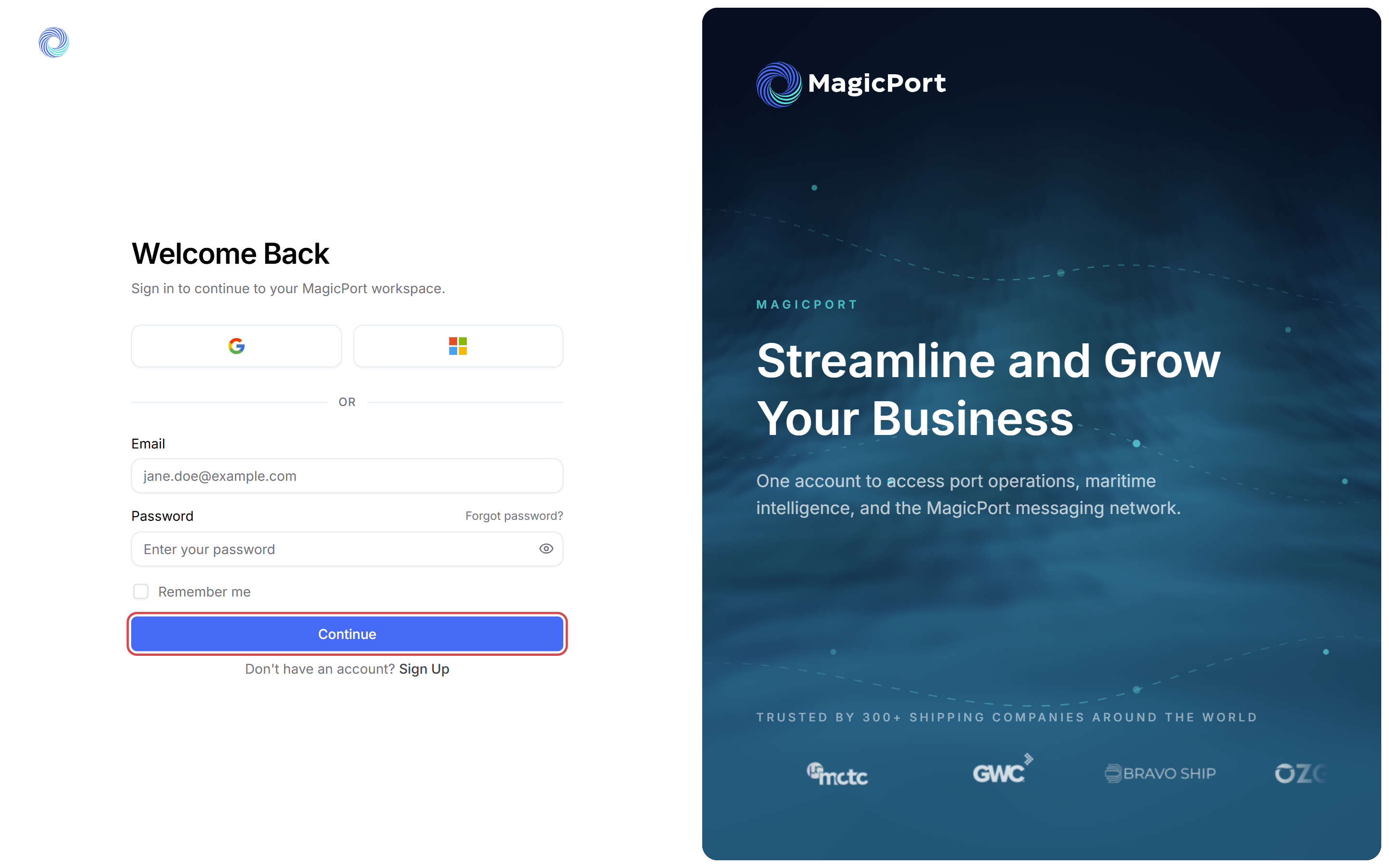
Tip: If you have forgotten your password, click Forgot password? above the password field.
Click Open app on the Maritime Intelligence card
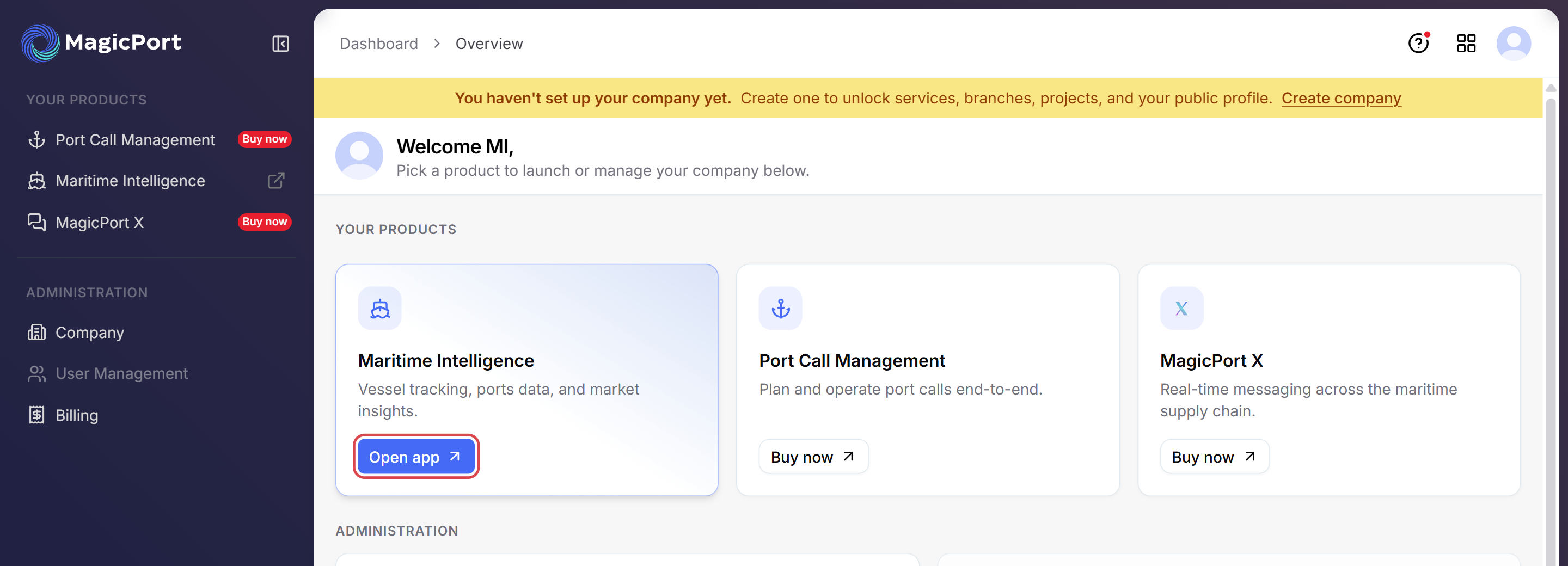
After you sign in you land on your MagicPort dashboard. Under Your products, click Open app on the Maritime Intelligence card.
Maritime Intelligence opens on the Scheduled Arrivals screen.
Tip: Bookmark the page once it opens. The app lives at intelligence.magicport.ai, so you can go straight there next time.
Switch back to the dashboard when you need it
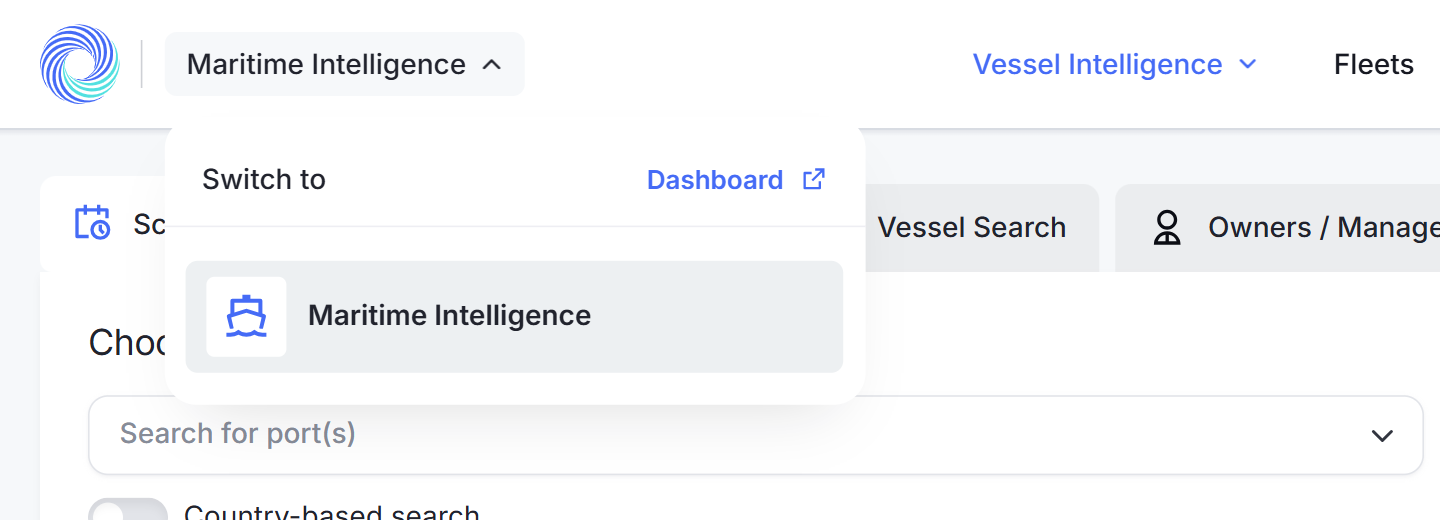
To get back to the dashboard from inside the app, click Maritime Intelligence in the top left corner and choose Dashboard.
Was this article helpful?
Thanks for your feedback.