

Available with:Port Call Management
Record cash to master
Record cash delivered to the vessel's master.
When you deliver cash to the vessel’s master on behalf of the customer, record it on the job.
Open Cash to Master
Open the job, click the Operations tab and open Cash to Master. Click Add CTM.
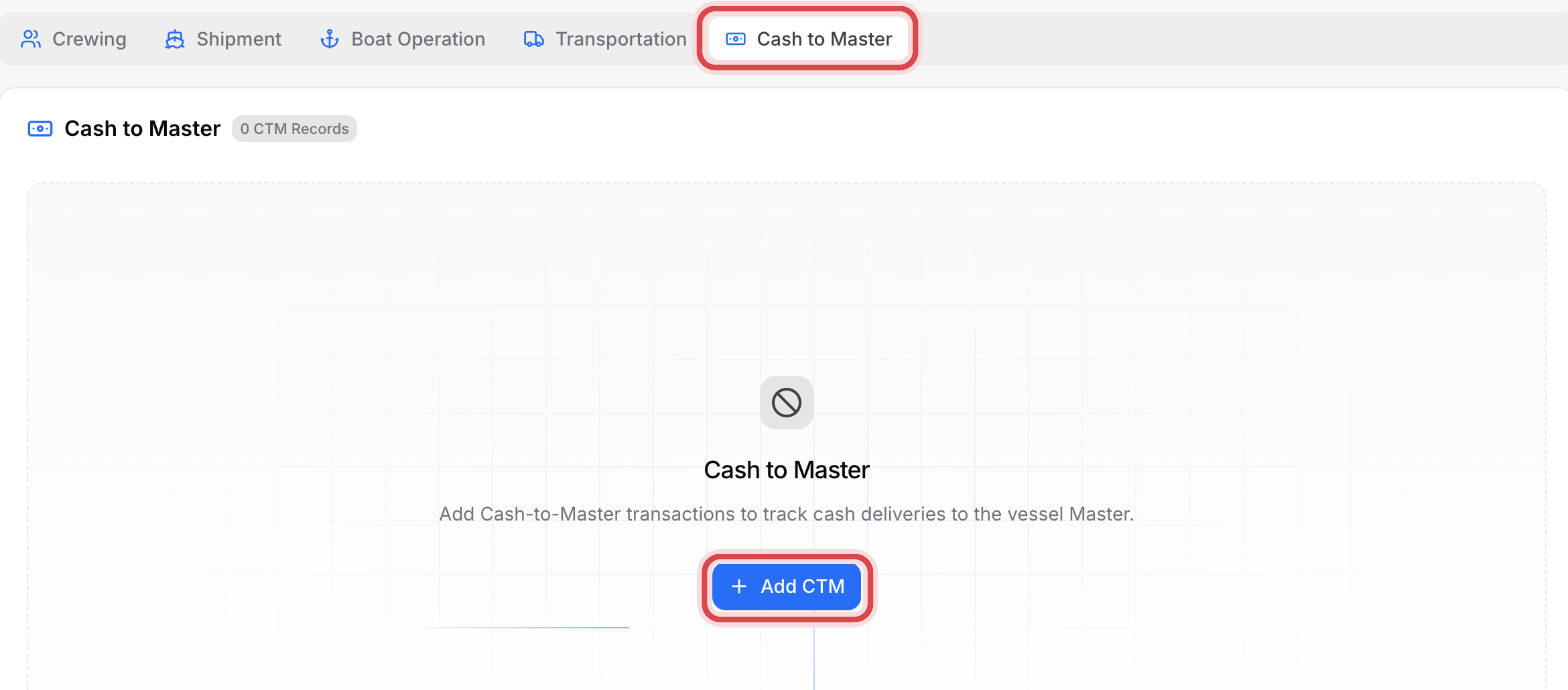
Enter the cash received
Fill in the Cash Received Date, the Amount and the Currency. Click Add. The new record shows as Pending.
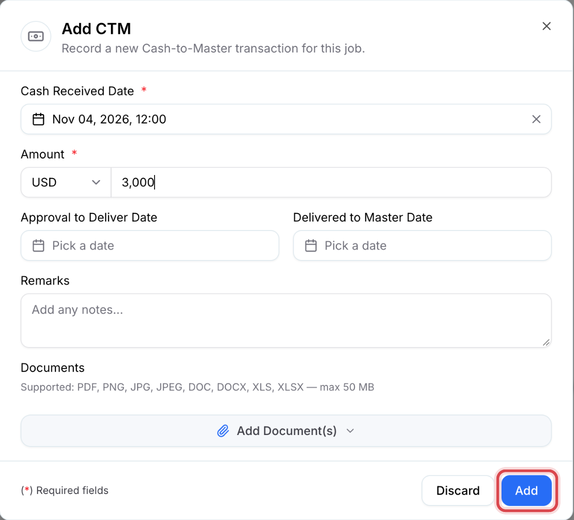
Add the delivery dates
When the cash is approved and handed over, edit the record and add the Approval to Deliver Date and the Delivered to Master Date.
Note: A cash to master record can only be deleted while it is Pending, and it cannot be linked to the job’s services.
Was this article helpful?
Thanks for your feedback.