

Keep master data lists up to date
Taxes, ports, terminals, berths, hotels, events and the other lists.
When the Master Data lists are complete, your team picks the right record instead of typing it again, and every job and invoice uses the same names.
Check which branch a list belongs to
Most lists are shared by every branch of your company. A few are kept per branch:
How it is shared Lists Each branch has its own Services and Tariffs, Cost Centers, Templates Shared, each branch chooses which records it uses Customers, Vendors, Boats, Boat Masters Shared by all branches Taxes, Ports, Terminals, Berths, Hotels, Vehicles, Drivers, Crew Members, Events, Unit of Measures, Airports, Airlines Note: Each list has its own permissions, and you see only the lists your role can view. See Roles, permissions and plans.
Add a record
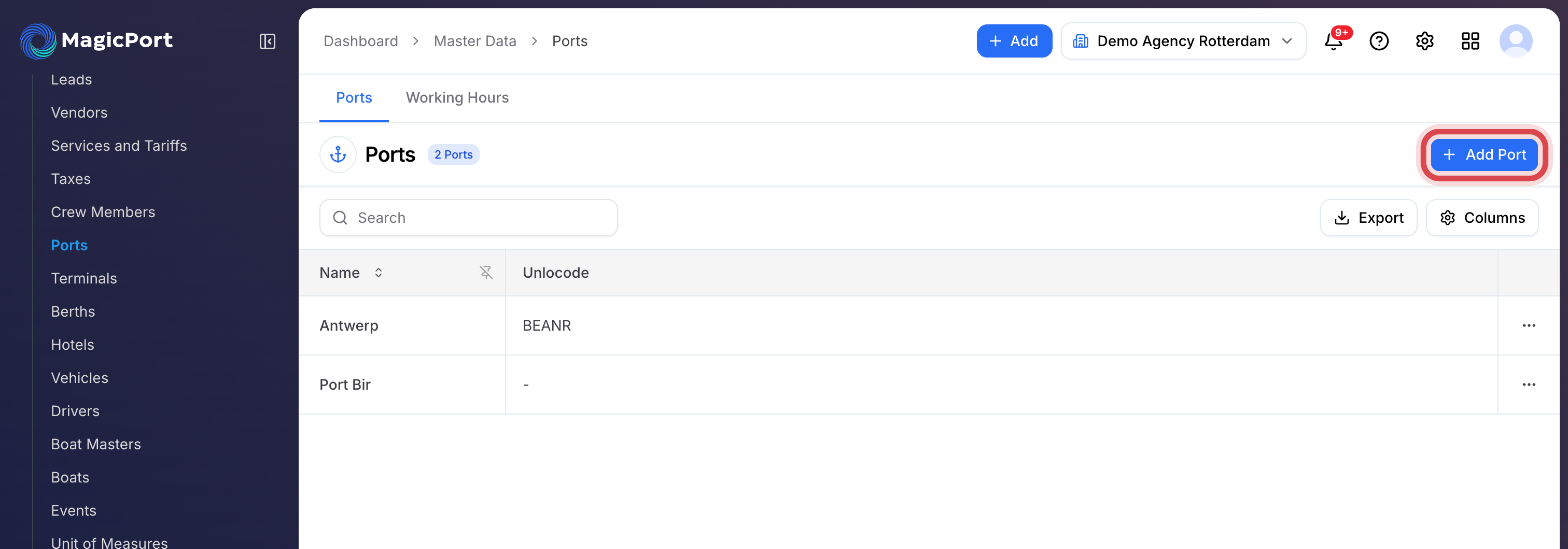
Open the list under Master Data, click its add button, fill in the form and save. For Boats and Boat Masters, choose the branches that use the record.
Add a tax
A tax has a Tax Code, Tax Name, Tax Rate and is Related To customers, vendors or both. Customer taxes can be chosen only on the customer side of a service and on invoices; vendor taxes only on the vendor side.
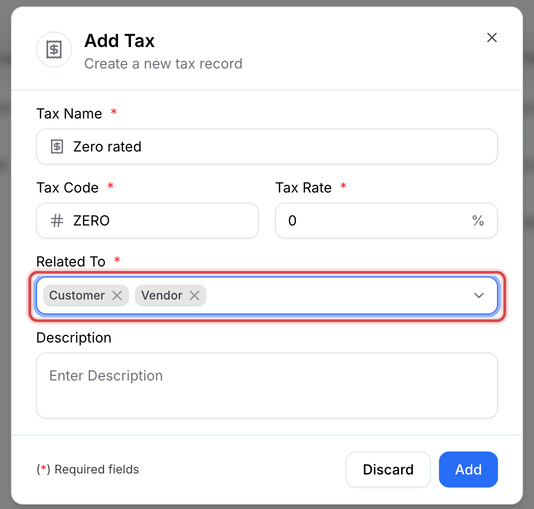
Note: A tax’s rate and code cannot be changed later. To change a rate, add a new tax.
Add cost centers and events
- Cost Centers: each branch has its own, and a job can use only a cost center of its own branch. They appear on jobs, and are required there, only when cost centers are part of your company’s plan.
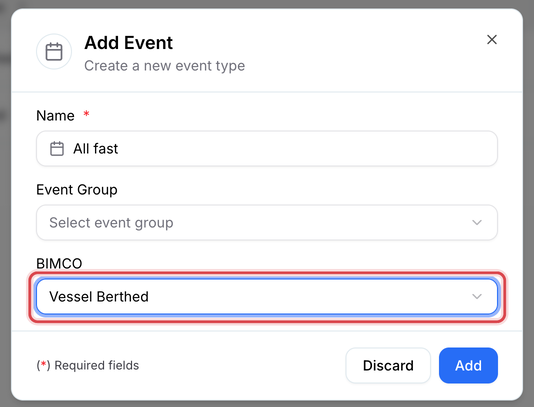
- Events: the event types used in a vessel’s events and the Statement of Facts. BIMCO links an event type to its standard BIMCO event; each BIMCO event can be linked to one event type only.
Tip: Exchange Rates and Audit Logs have their own items in the left menu. See Use exchange rates.
Was this article helpful?
Thanks for your feedback.