

Book crew flights
Record the flights of the crew on a job.
Record each crew flight on the job, so the team can see who is travelling and when, and so PCM can write the OKTB letter from it.
Open Flights
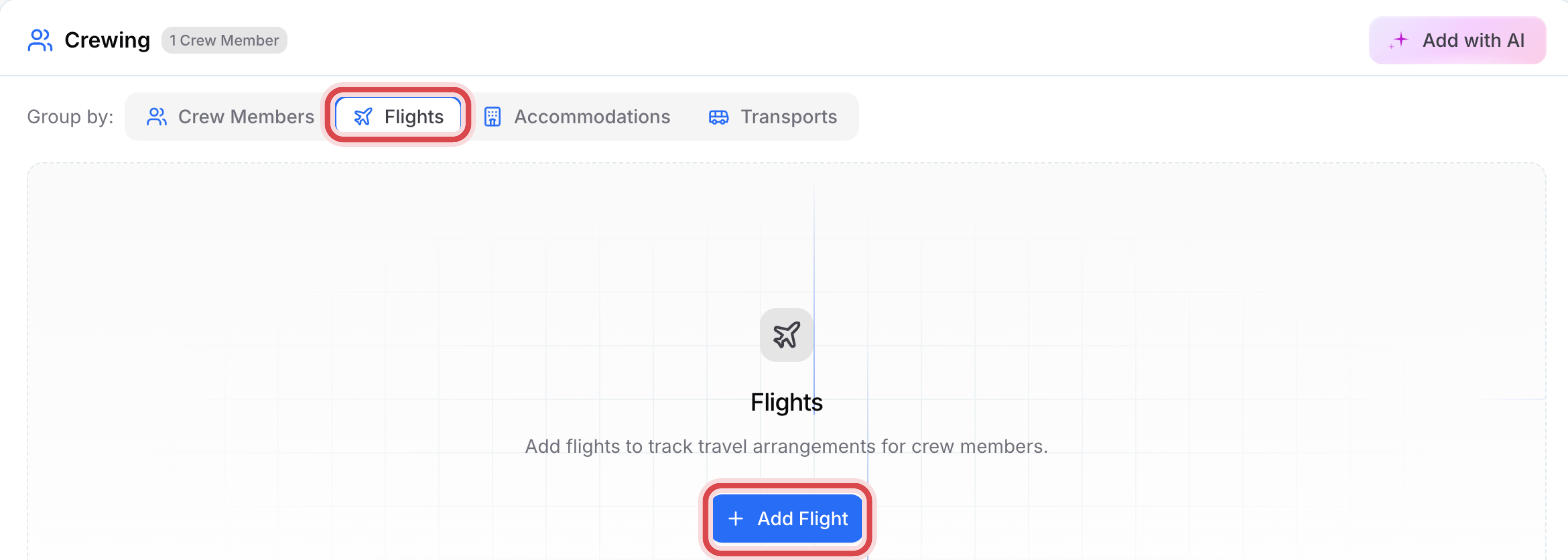
Open the job, click the Operations tab, open Crewing and then Flights. Click Add Flight.
Note: A flight is booked for crew members already on the job. See Add crew members.
Choose who flies
Choose the Customer and the Crew Members on the flight.
Enter each leg
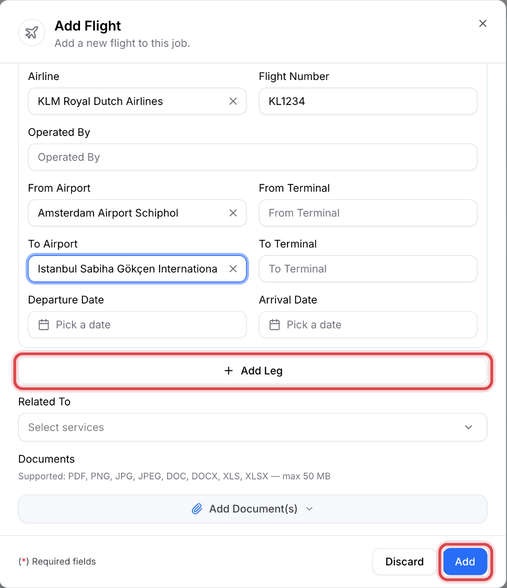
For each leg, enter the Airline, Flight Number, From Airport and To Airport, and the departure and arrival dates and times. Click Add Leg for a connecting flight.
Link it to the service and save
In Related To, choose the job’s service the flight belongs to, such as the crew change service. Click Add.
To write the OK to Board letter for this flight, see Generate an OKTB letter.
Was this article helpful?
Thanks for your feedback.