

Available with:Port Call Management
Add events from a template
Add a call's usual events to a vessel in one go.
If many of your calls go through the same events, save them once as an event template and add them to the vessel in one go, instead of one by one.
Open the vessel’s Daily Activities
Open the job, go to the Vessel & Cargo tab and click the vessel’s name. The page opens on Daily Activities.
Note: Event templates are kept under Master Data, Templates, and event types under Master Data, Events.
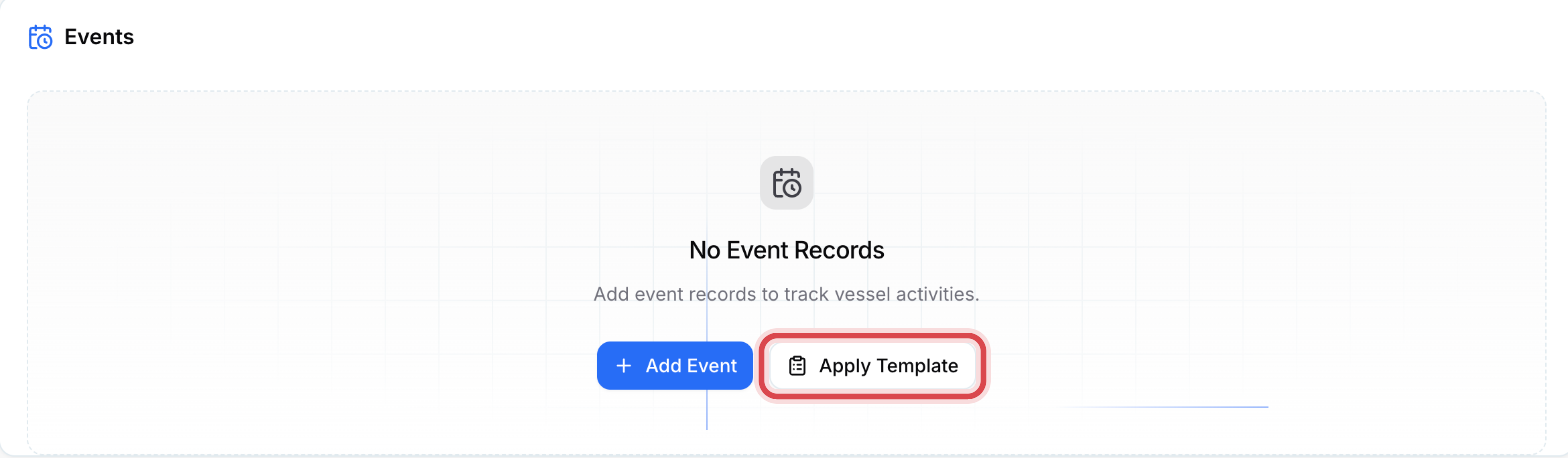
Click Apply Template
Under Events, click Apply Template and pick the template.
Choose and adjust the events
Tick the events you want, and adjust their dates, times and remarks.
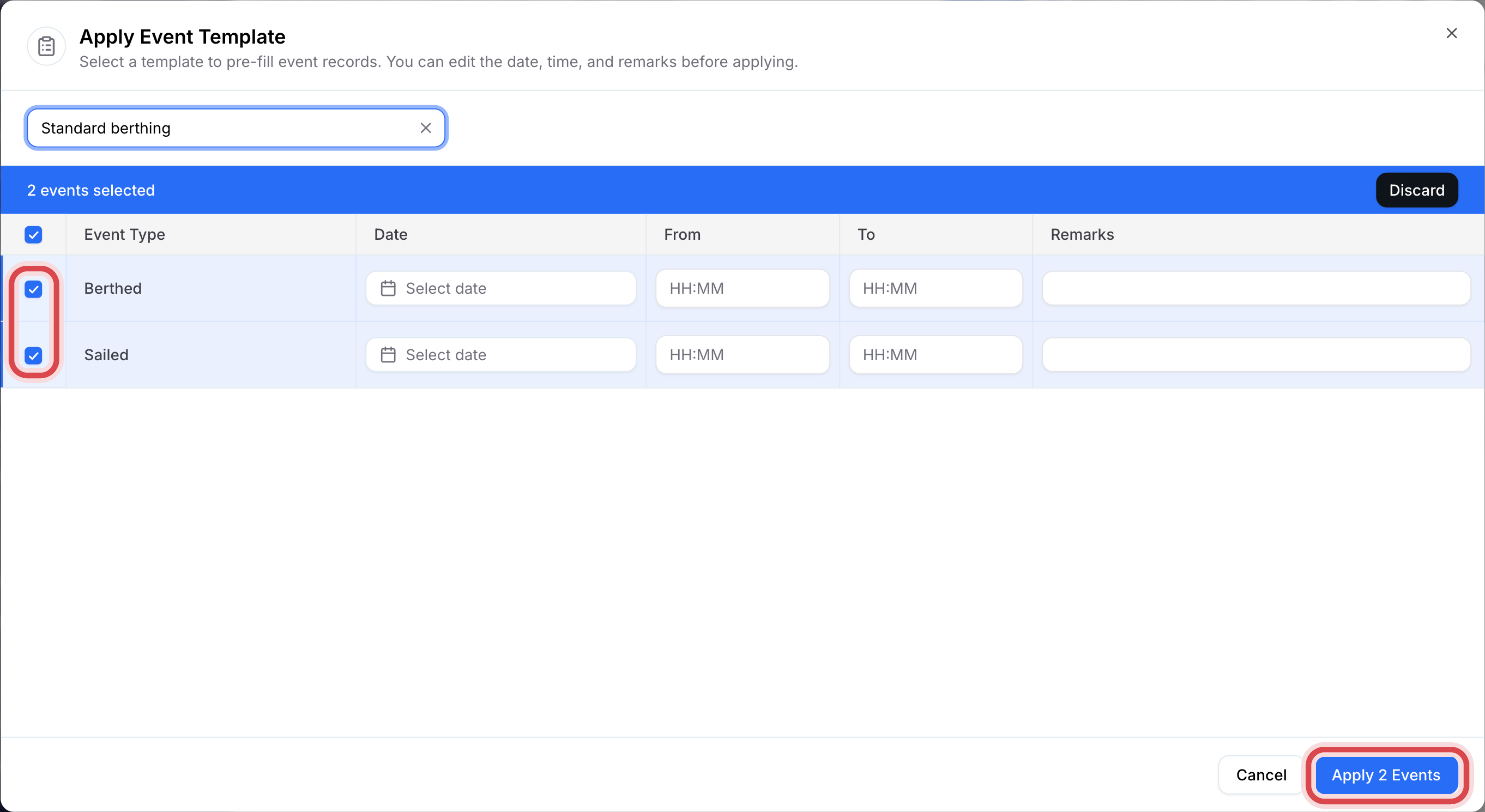
Apply them
Click Apply; the button shows how many events it adds. The events appear in the Events table, ready for the SOF. See Generate a Statement of Facts.
Was this article helpful?
Thanks for your feedback.