

Look up a ship owner or manager
Find a ship owner or manager in Owners / Managers and read their company profile, fleet and port activity.
 4 min walkthrough of Owners / Managers search
Owners / Managers in Maritime Intelligence finds the companies behind vessels (registered owners, commercial managers, and technical managers under the ISM Code, the International Safety Management Code) and shows each company’s fleet, trading regions, and port activity. Use it to research a counterparty or prospect before you work with them.
Open Owners / Managers
Click Vessel Intelligence in the top navigation, then the Owners / Managers tab.
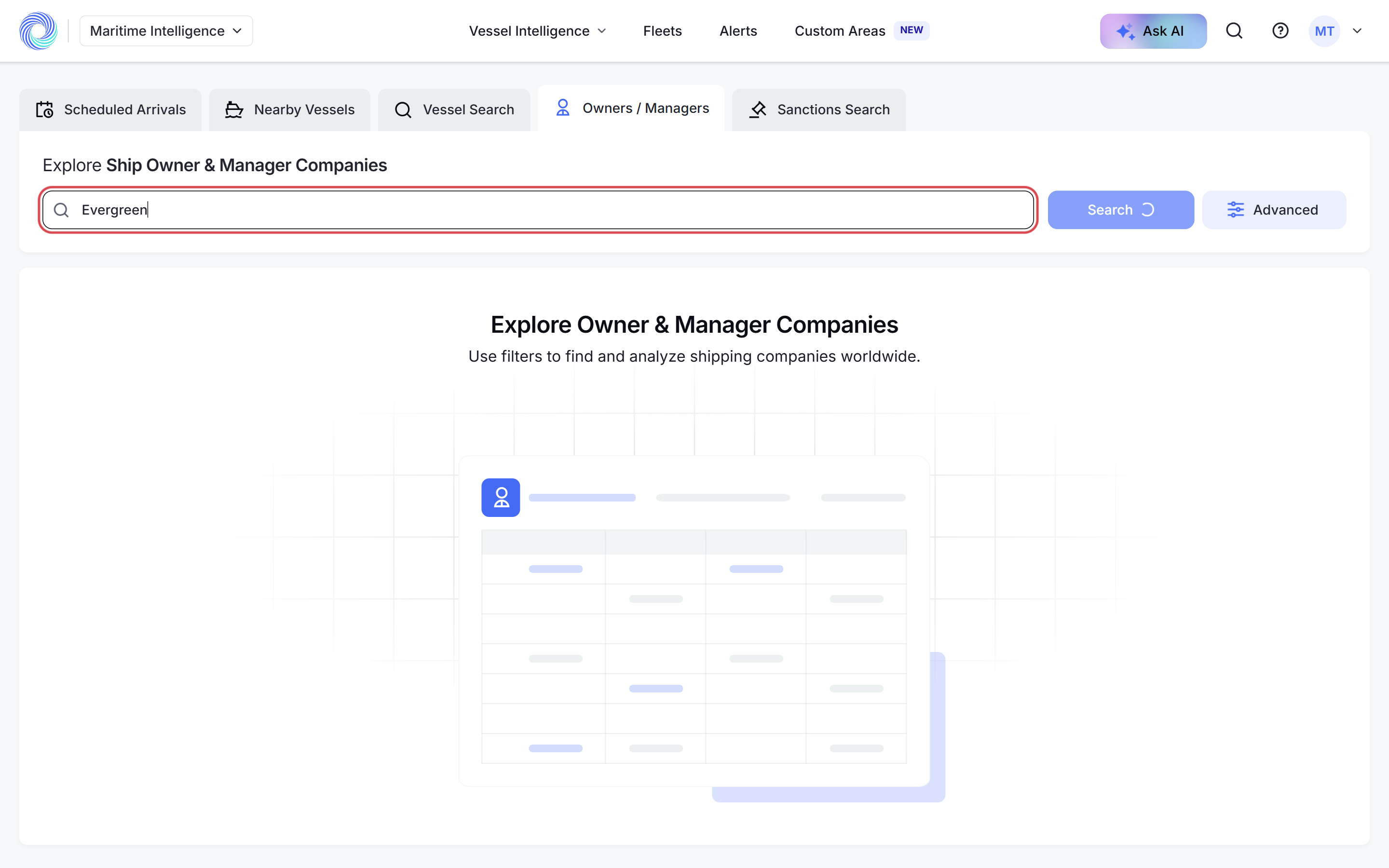
Search by company name
Type part of the name in Search by company name… and press Enter. Each result shows the company’s country, fleet size, the age spread of its fleet and the regions it trades in.
Or browse with filters
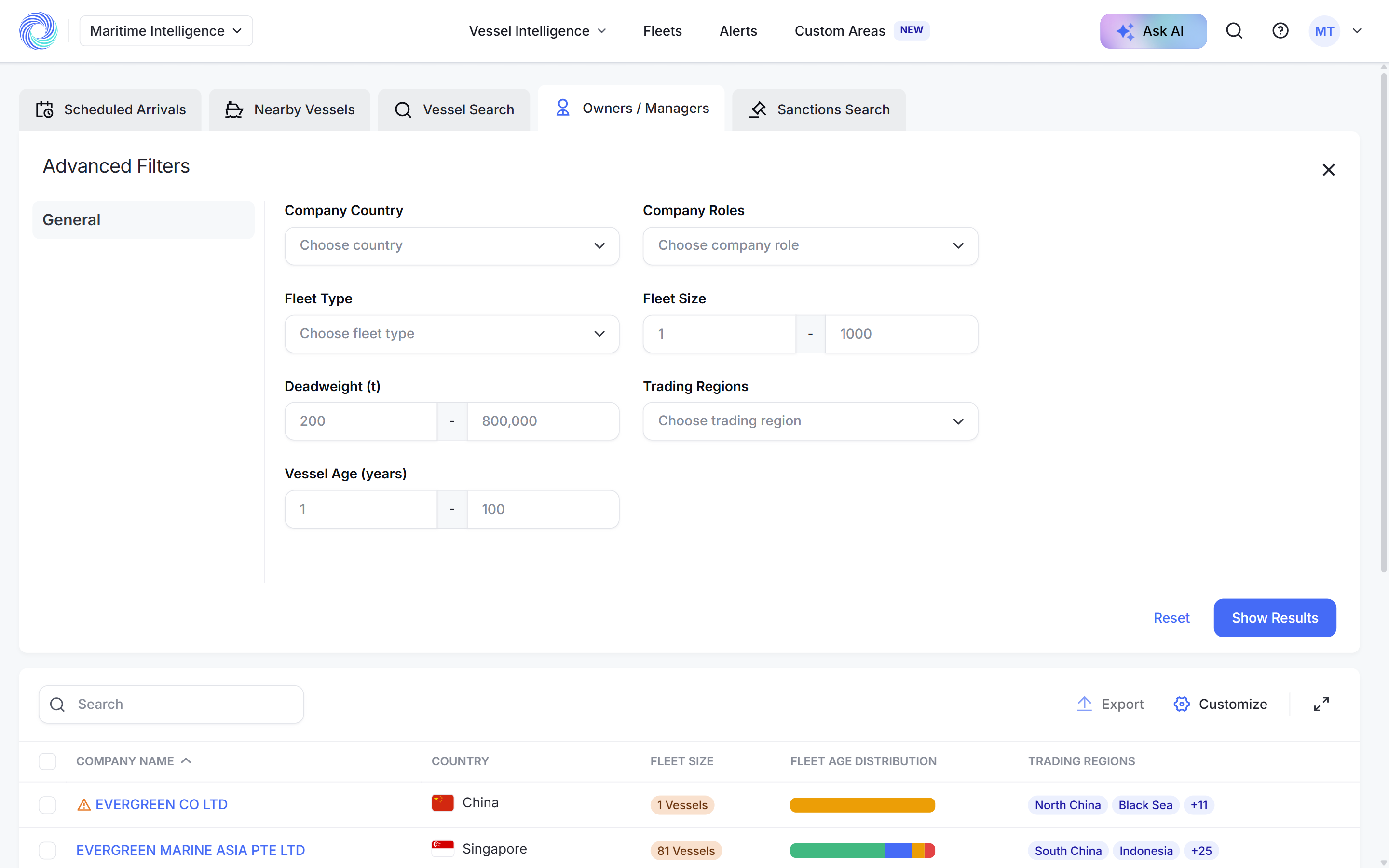
Click Advanced to find companies by Company Country, Company Roles, Fleet Type, Fleet Size, Deadweight (t), Trading Regions and Vessel Age (years). Click Show Results to apply.
Open the company profile
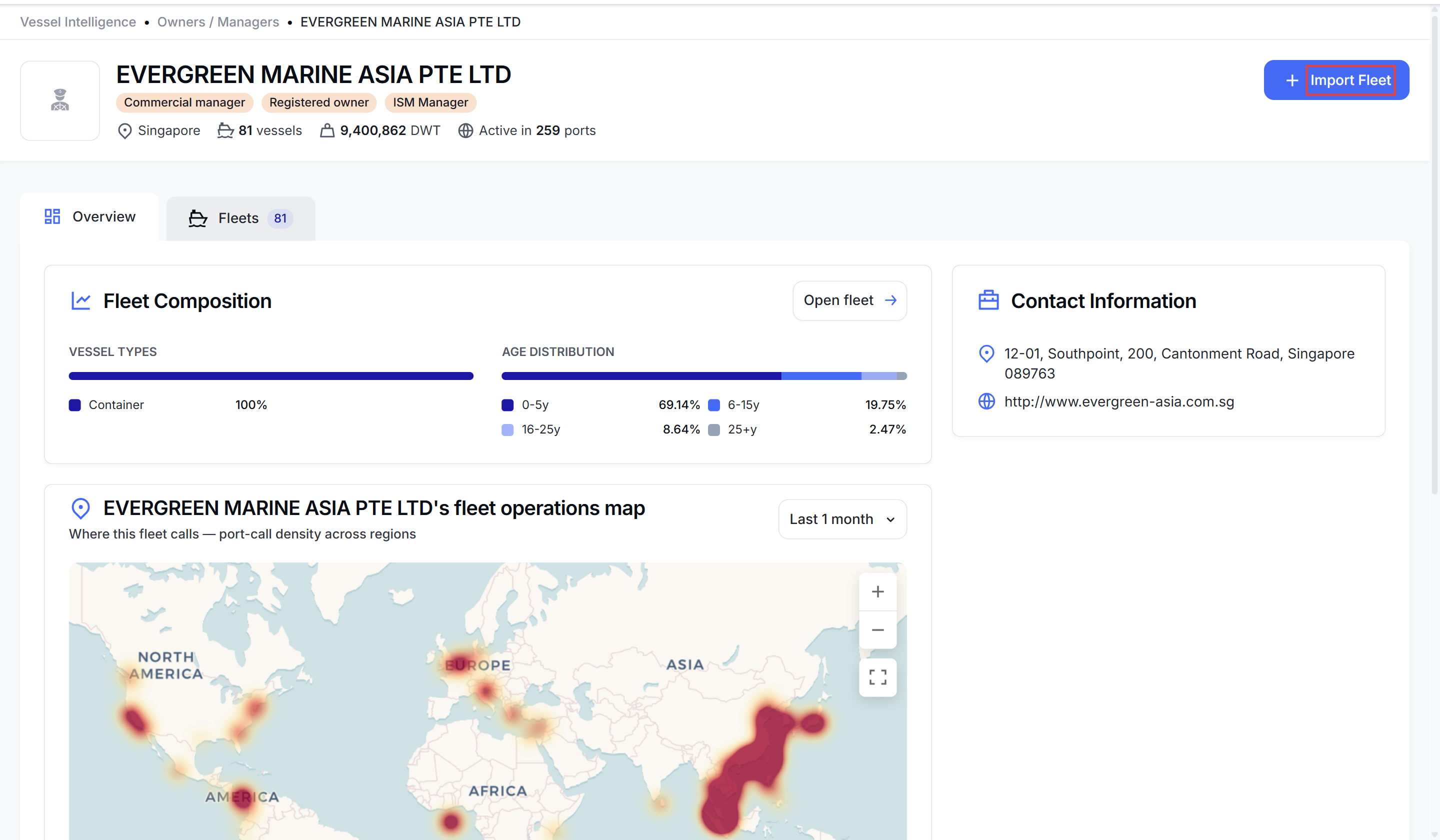
Click a company name. The header shows its roles, country, number of vessels, total deadweight and the number of ports it is active in.
The Overview tab has:
- Fleet Composition: vessel types and age bands. Open fleet jumps to the vessel list.
- Fleet operations map: where the fleet calls, as a heat map, with a table of its busiest ports. Change the period with the Last 1 month menu.
- Contact Information: address, website, phone and email where known. View all contact details lists every contact.
See the company’s vessels
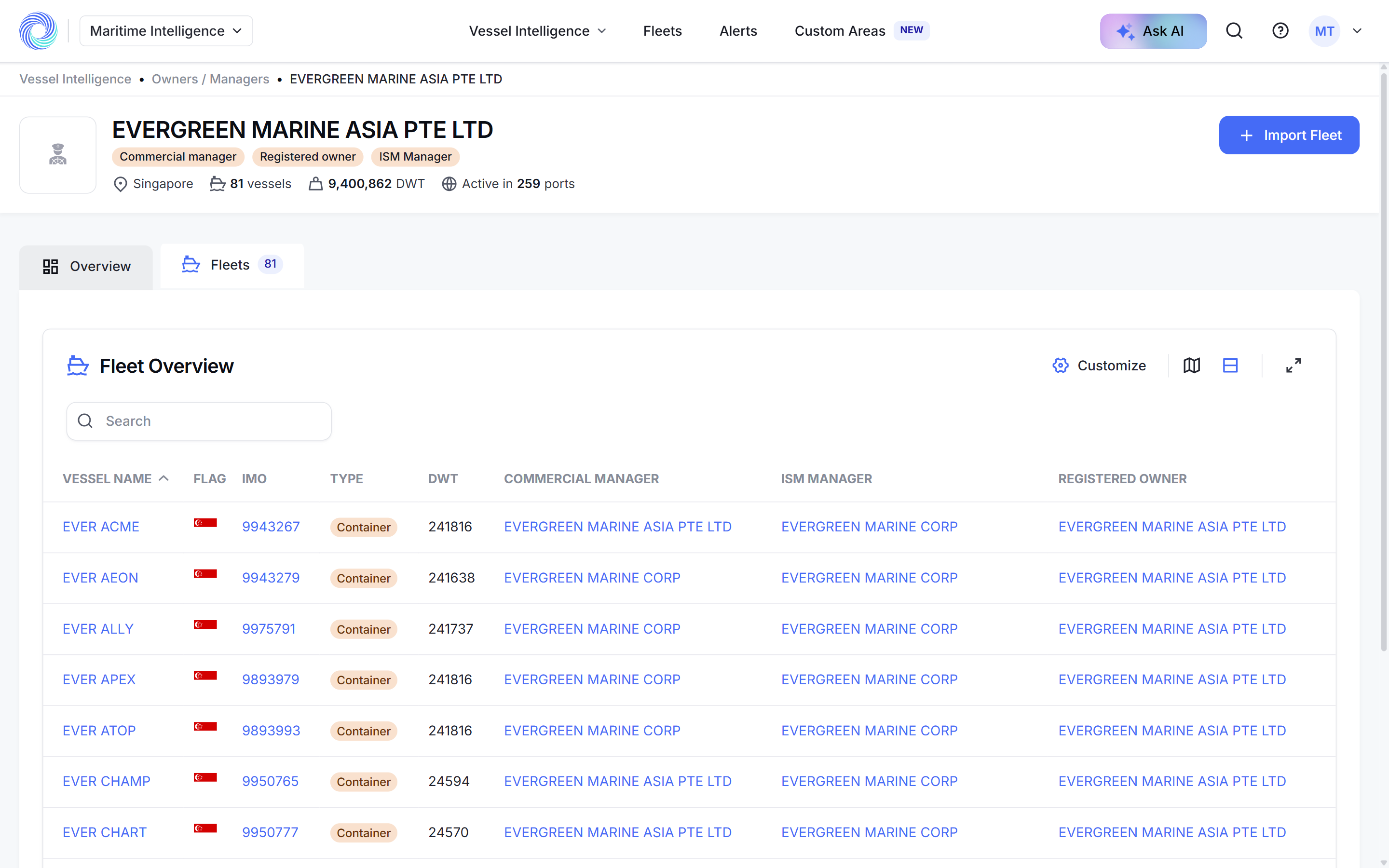
Click the Fleets tab to list every vessel linked to the company, with its flag, IMO, type, deadweight and managers. Use Customize and the map button as on any results table.
Follow the fleet
Click Import Fleet to create a fleet that updates itself whenever the company’s fleet changes. Once imported, the button changes to View Fleet. See Create a dynamic fleet from a ship manager.
Was this article helpful?
Thanks for your feedback.