

Available with:Port Call Management
Correct a vendor bank payment
Change an allocation or fix the details of a vendor bank payment.
If a bank payment went to the wrong invoice or with the wrong amount, change its allocations; if its details are wrong, edit the payment.
Open the payment
Go to Vendor Payments → Bank Payments and open the payment.
Change or remove an allocation
Each row under Vendor Payment Allocations has its own actions:
- Edit amount changes how much of the payment goes to that invoice.
- Remove takes the allocation off. The invoice goes back to Partially Paid or Not Paid.

Fix the payment’s details
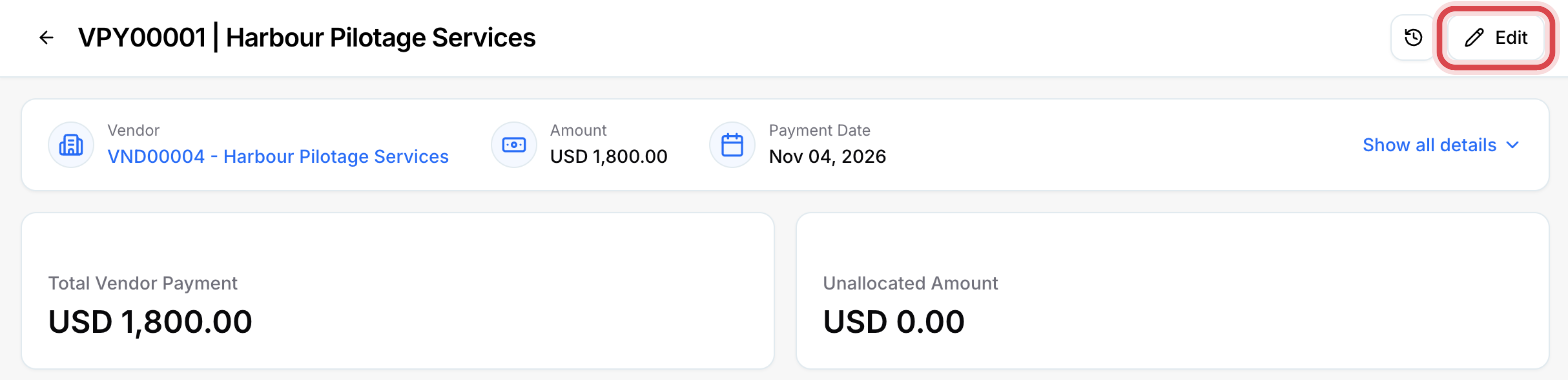
Click Edit on the payment to fix its date, bank account, transaction number or reference. The vendor, amount and currency cannot be changed.
Delete a payment recorded by mistake
Remove all its allocations first, then use Delete Payment in the payments list.
Note: Delete Payment does not remove the payment’s allocations: the invoices it paid stay paid.
Was this article helpful?
Thanks for your feedback.