

Add a task to a record
Create a task from the job or record it is about.
A task created from a record is linked to it, so you see it where the work happens. Jobs, services, vessels, the husbandry lists, customer invoices, customer payments, vendor invoices, customers, vendors and enquiries all have a Tasks panel.
Open the record’s Tasks panel
Open the record and click Tasks at the top of the page. On a husbandry list, choose Tasks from the row’s actions menu.
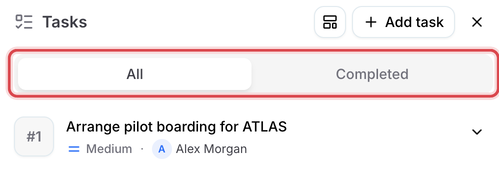
The panel lists the tasks already linked to the record. Switch between All and Completed.
Add the task
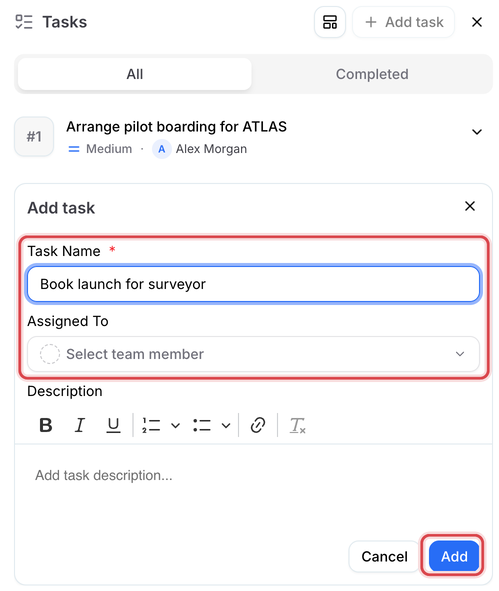
Click Add task and enter the Task Name. Assigned To and Description are optional. Click Add.
Open it to follow it up
Click the task’s name in the panel to open it. See Work with tasks.
Tip: If the same tasks come up on every job, add them all at once from a template. See Use task templates.
Was this article helpful?
Thanks for your feedback.